How to Use Animation to Improve Mobile User Experience?
Update date: Jan 24, 2022
In UX design, app animations offer one of the main objects for discussions as well as endless creative space. In this article, we will cover how to use animation in mobile app design to provide positive user experience and seamless interactions.
Since everything is integrated into one interface, app animations should be a functional element rather than decoration. Action elements should be considered from the very beginning of planning a user journey. When designing animations, you need to analyze their impact on the usability and desirability of the application. If you don't see a real positive effect as a result, you should reconsider the approach. The advantages and benefits of the action in the interaction process should be clear and outweigh any possible negatives. Let's review the most popular types that are well-controlled for improving mobile user interface.
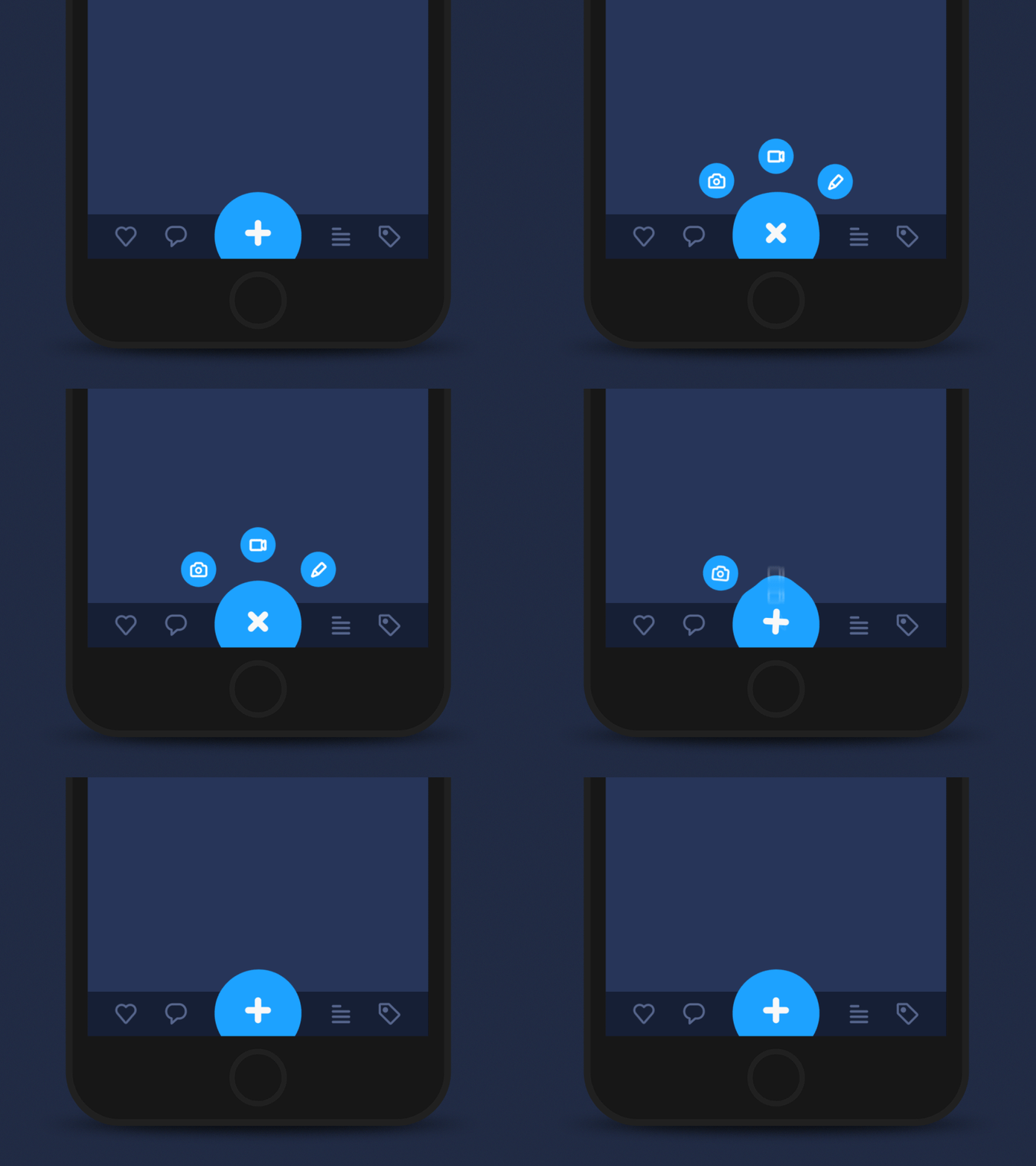
Heartbeat Animation Concept for tab bar interactions
Feedback Animation
The feedback animation notifies the user that a particular action has been performed or failed. This type of animation maintains the line of communication between the user and the application, even during basic operations. In a special way, it mimics interaction with real objects in the physical world. For example, when you press a real button, you feel the force spent on this action and the resistance of the button. In a mobile app, this isn't possible: you just tap the screen and you don't have that kind of physical feedback. Therefore, by interacting with the sensor displays, we handle vibrations and visual cues to get a response from the application. And this is when UI animation saves your app. Animated buttons, switches, checkmarks or crosshairs quickly inform the user if the action has been taken.
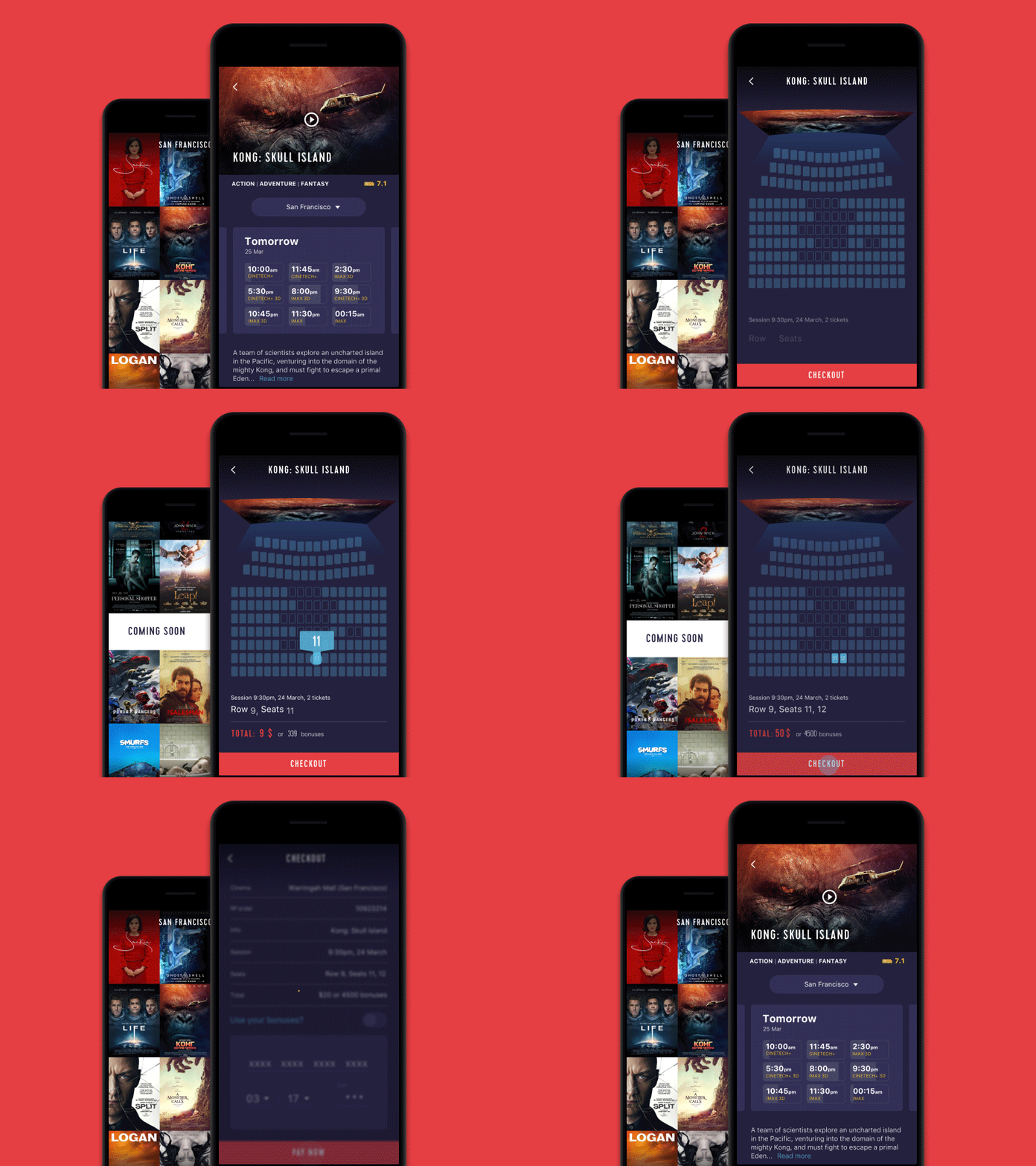
For example, the flow of Cinema App ticket purchasing interactions. The transition from the screening screen to seat selection is made with the animation of the movie poster: the screen turns into a picture of the movie theater. When the desired seats are pressed, the user can see how the buttons change color and understand that the system is accepting the data. An animation of the check mark indicates that the action is complete:
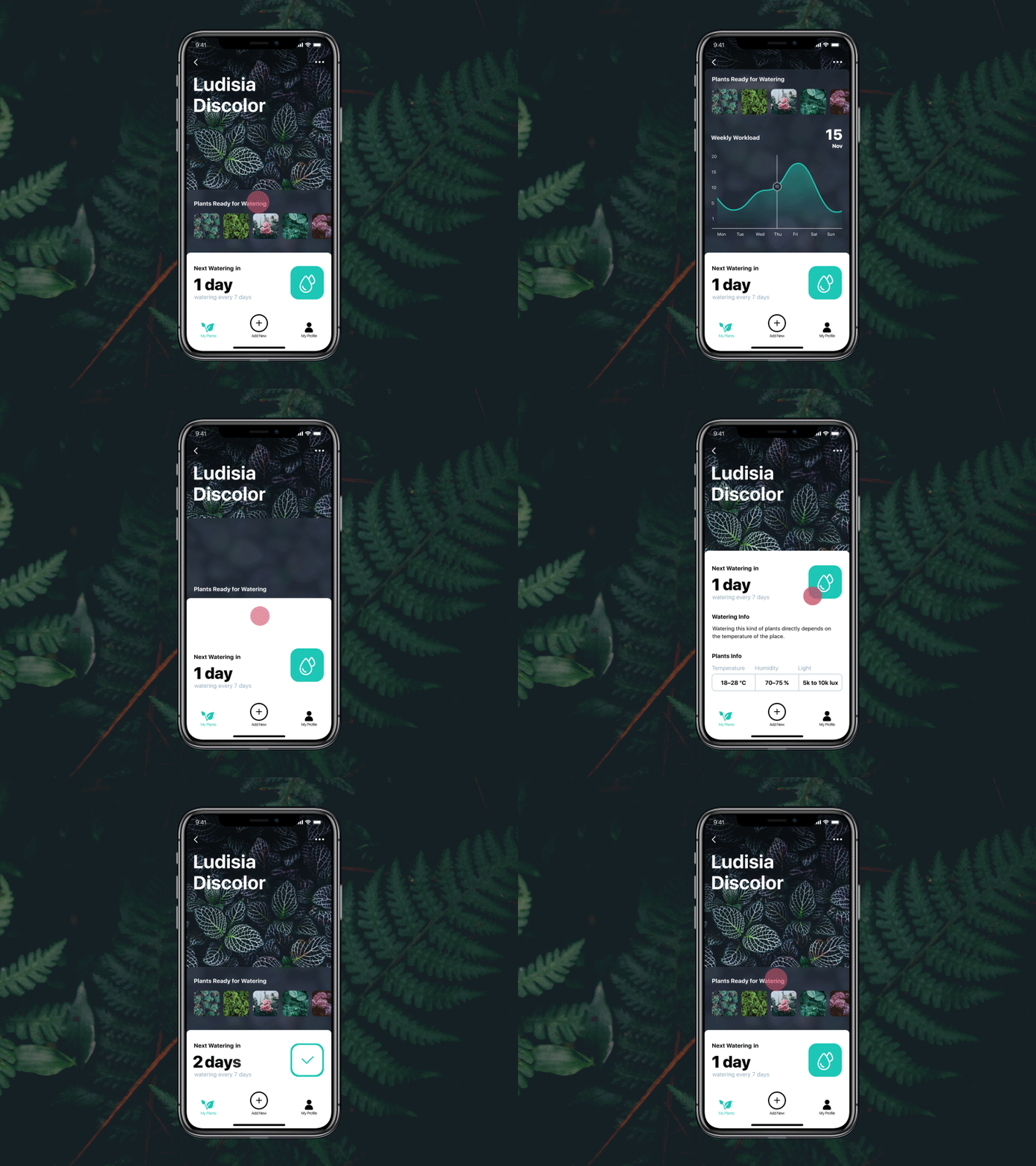
Another example can be seen in the interactions of the Watering Tracking application: after watering the plant, a user presses the button and changes the image from the drops to mark that the necessary action has been taken:
Even with basic navigation, mobile UI animations can add not only feedback but also entertainment. Let's look at the concept of an extensible button: with a pinch of movement, it mimics physical interaction with a jelly-like substance:
Examples of feedback animation in the Event App application concept. When the user taps on the participants' photos, the central circle changes the overall number:
Progress Animation
If the engagement process is a little longer and users have to wait, they prefer to understand what's going on and what the progress is like. The biggest advantage of this animated interaction is to provide reassurance to users, making them aware and confident in the process of using the product. A confident user means a positive user experience and provides a good basis for high user retention. Animating progress bars, timelines, and other dynamic elements can mean killing several birds with one stone.